
☠ OFFICIAL LITTLEGENS22 STORE ☠
LITTLEGENS22
Sail into the revived pirate season. Grab ranks, Platinum, bundles and store extras built for LittleGens22.
⚓ CHOOSE YOUR LOOT ⚓
SHOP THE STORE
☠FEATURED PACKAGES
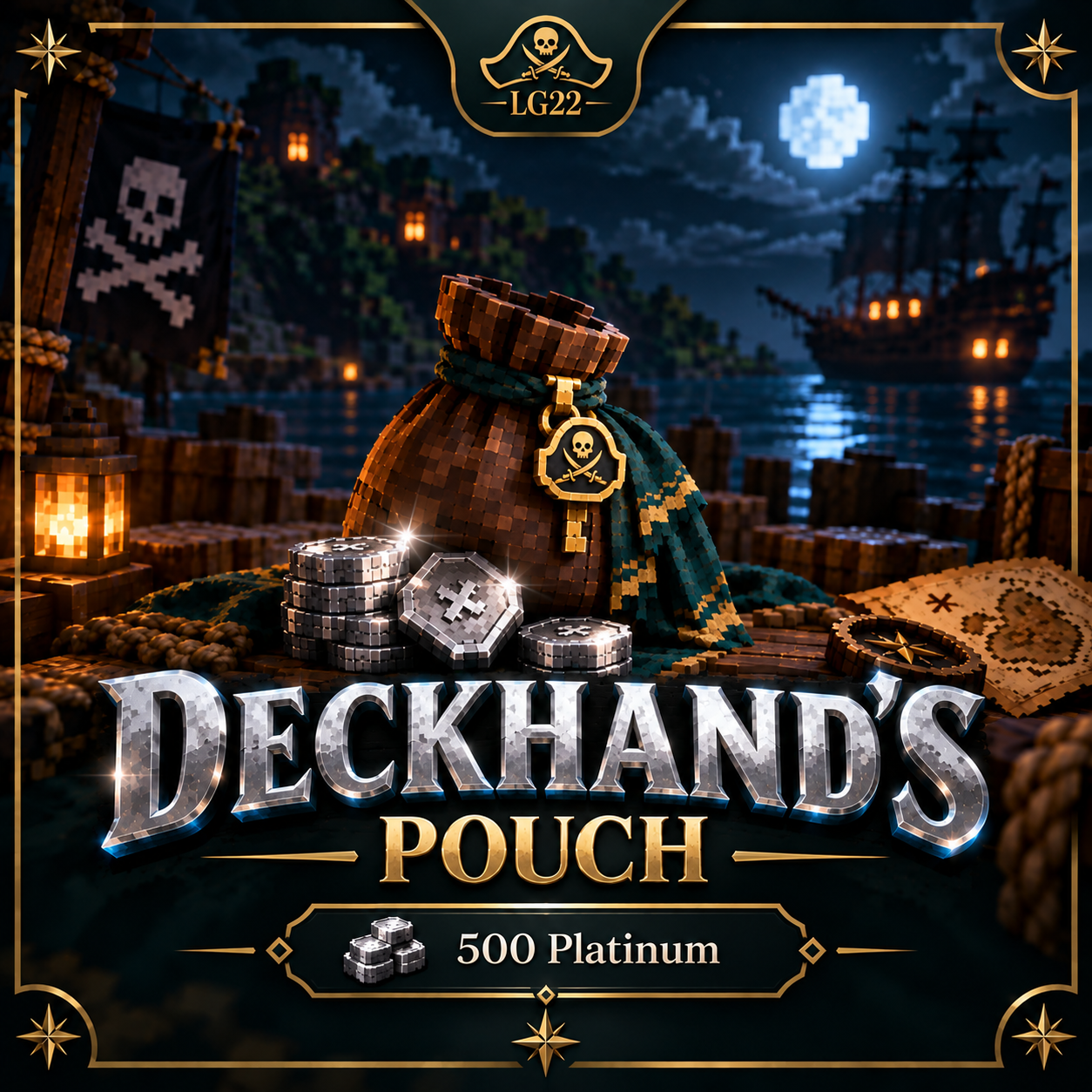
Deckhands Pouch- 500
$3.99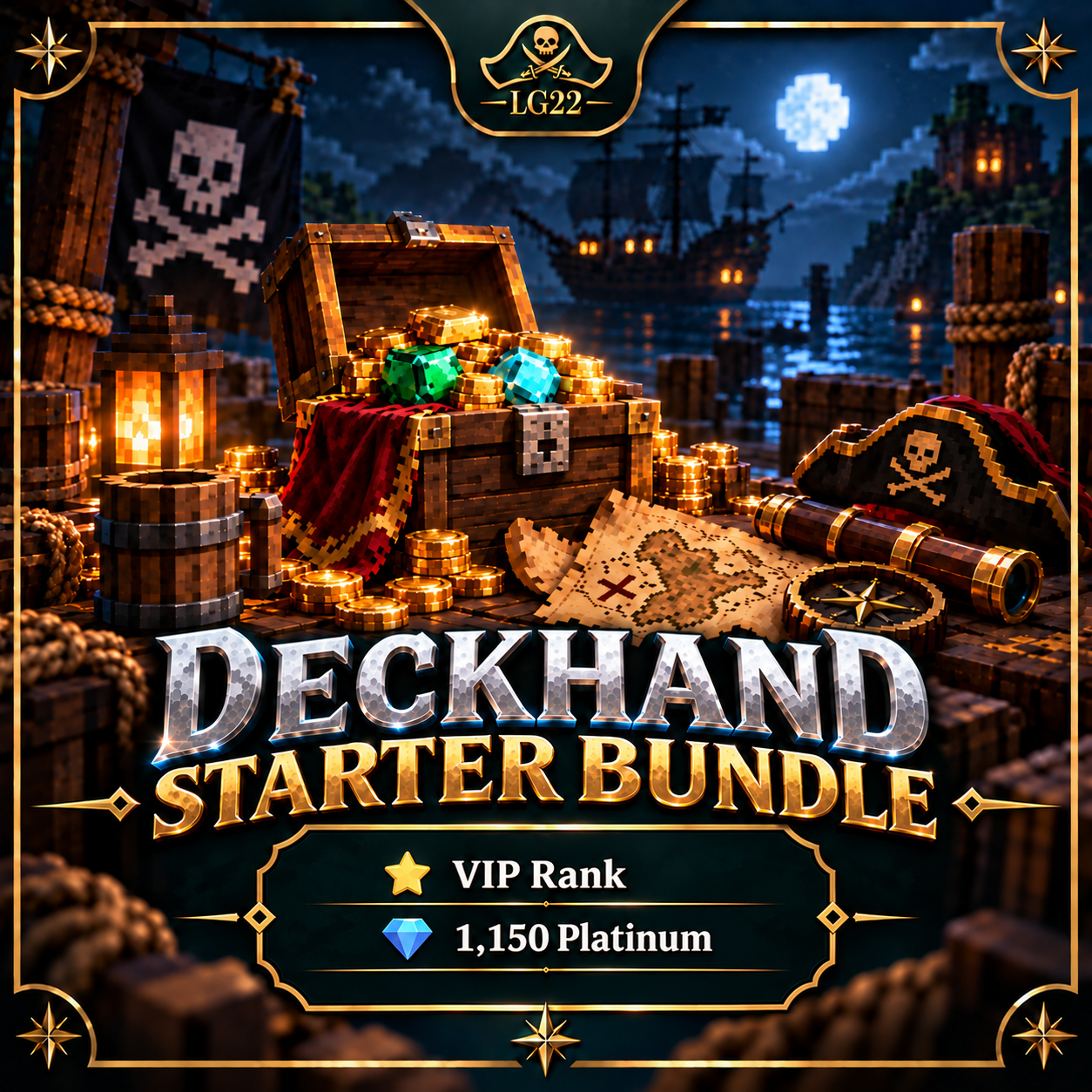
Deckhand Starter BUNDLE
$13.99WELCOME TO THE OFFICIAL
LITTLEGENS22 STORE
Upgrade your pirate-season Gen PvP experience with ranks, Platinum, bundles and extras. Purchases are delivered securely through Tebex.
⚓ littlegens22.comJava & Bedrock
MONTHLY GOAL0%
NEED A HAND?
FREQUENTLY ASKED QUESTIONS
Quick answers for purchases, delivery and Discord rank syncing.
How do I get my purchased rank on Discord?
Join LittleGens22 in Minecraft and run /jd link. The server will give you a linking code. In Discord, use /jd link with that code. Once your accounts are linked, your eligible paid rank will sync to Discord automatically.
When will my purchase arrive in-game?
Most purchases are delivered automatically shortly after Tebex confirms your payment. Make sure you entered the correct Minecraft username at checkout.
I already bought a rank before linking Discord. What do I do?
That is fine. Run /jd link in-game and complete the link in Discord. JDKPoints will check your eligible in-game rank and sync the matching Discord role.
What if my purchase or Discord rank does not appear?
First make sure your Minecraft and Discord accounts are linked. If you still need help, email littlegensadmin@gmail.com and include your Minecraft username and order details.
Where do I join the server?
Connect using littlegens22.com. The username you use on the server should match the username used for your purchase.